Use your phone's camera tracking feature to trace any image printed on paper.
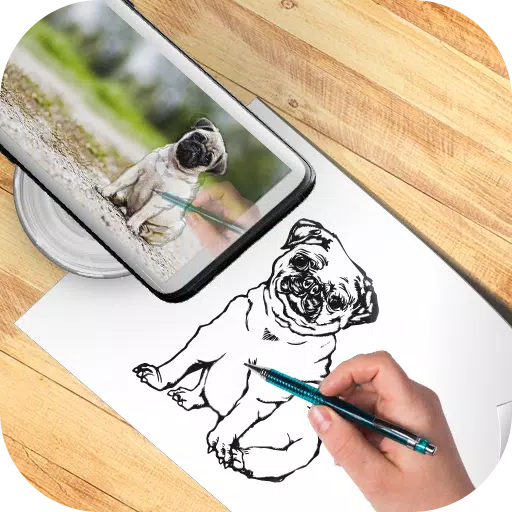
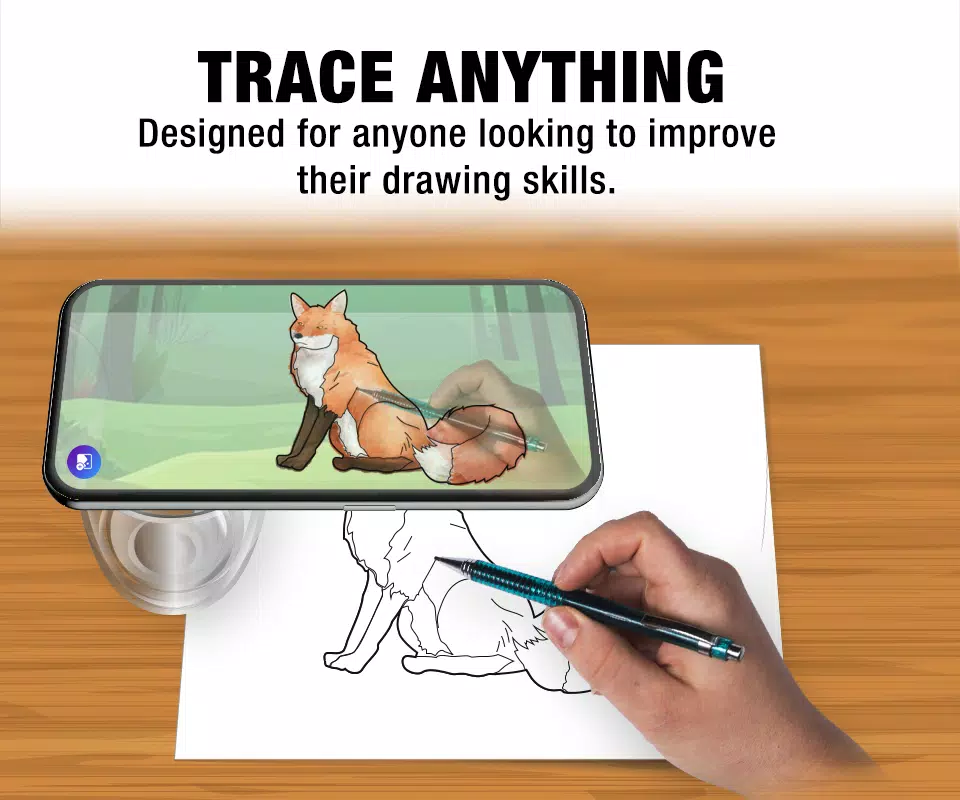
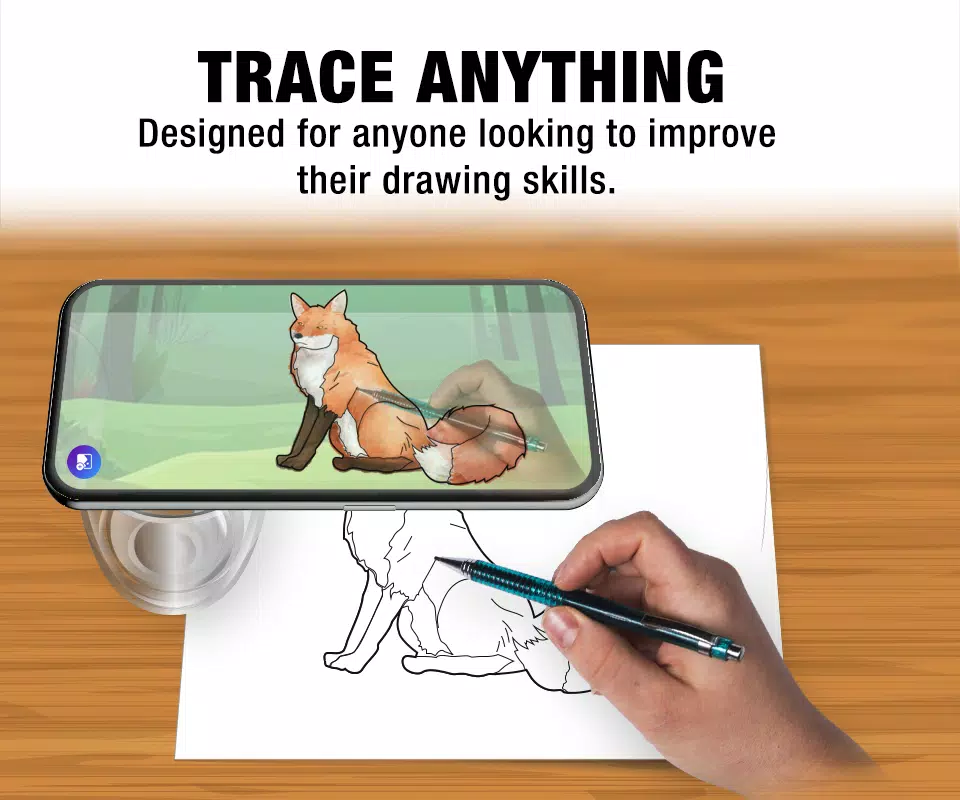
Trace any image by viewing the live camera feed on your phone's screen; the image won't appear on the paper, but you can draw it precisely as you see it.
You can also modify, save, and reset your drawing, as well as adjust the image layout and transparency.
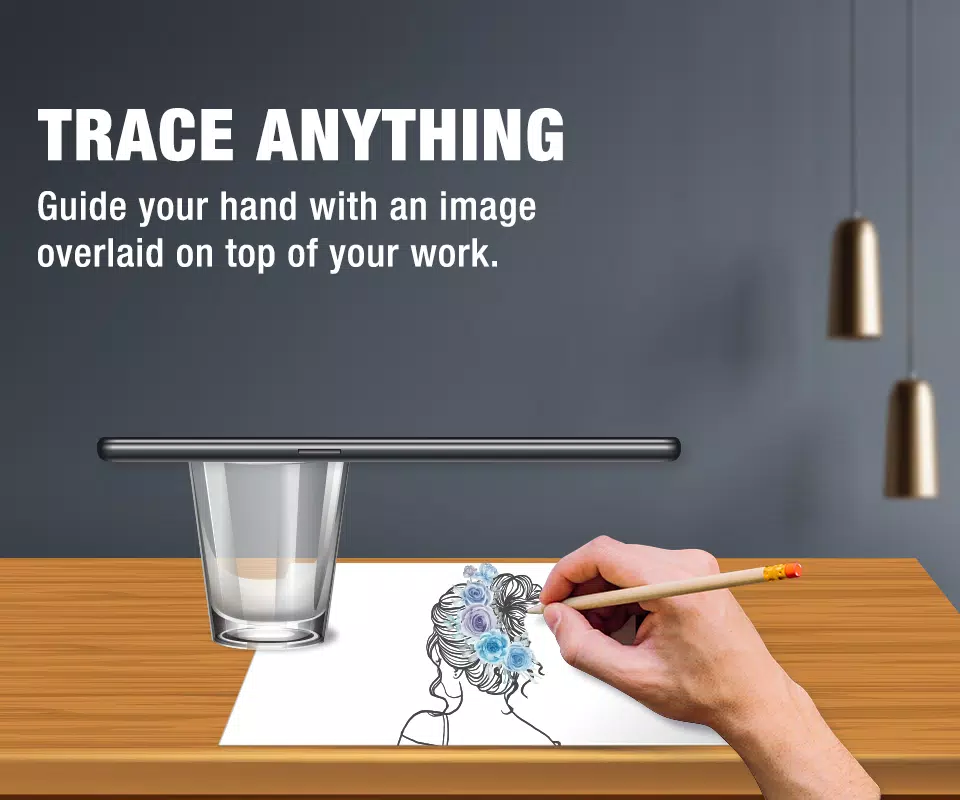
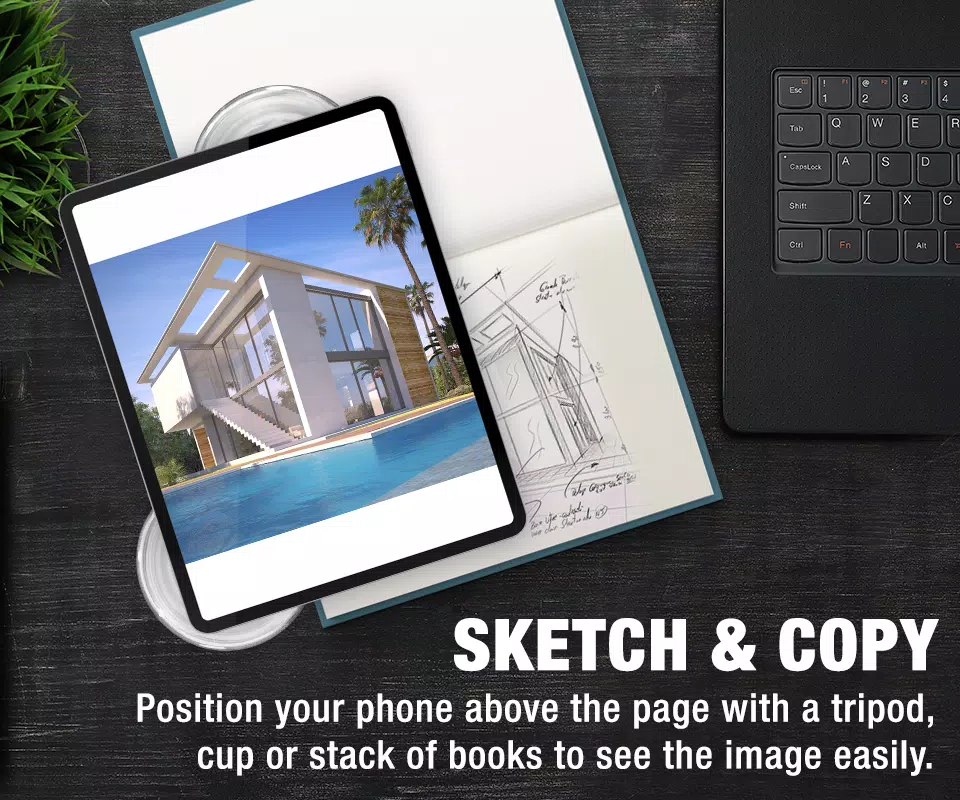
Simply upload a picture or line drawing you wish to trace (or find one online to practice with), resize the image for clarity, and position your phone on a tripod, in a cup, or on a stack of books to elevate it above the page.
The easiest app for sketching with image tracing.
Required Permissions:
CAMERA: To open the camera for tracing and drawing.
READ_EXTERNAL_STORAGE: To select images from your device's gallery.
1.28
17.4 MB
Android 6.0+
com.brb.sketchtrace.t