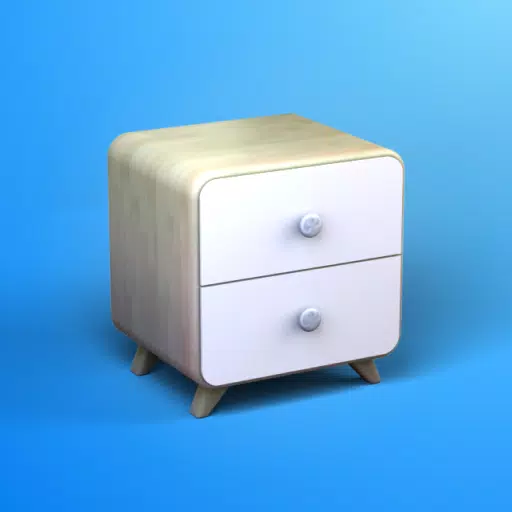
Easily design furniture, woodworking, and DIY projects in 3D.
Looking to build custom furniture or outfit a room yourself? Moblo is the ideal 3D modeling app for your next project. Perfect for sketching furniture in 3D, it also helps you visualize more intricate interior layouts. Bring your concepts to life quickly and see them in your own space using augmented reality.
Whether you're new to 3D modeling or have years of experience, Moblo is the perfect software for custom furniture projects. Its interface works seamlessly with both touch and mouse, making it simple and accessible for everyone.
Furniture and fixtures often created with Moblo:
- Custom shelving
- Bookcases
- Walk-in closets
- TV stands
- Desks
- Kids' beds
- Kitchens
- Bedrooms
- Wood furniture
- … and more
How to create:
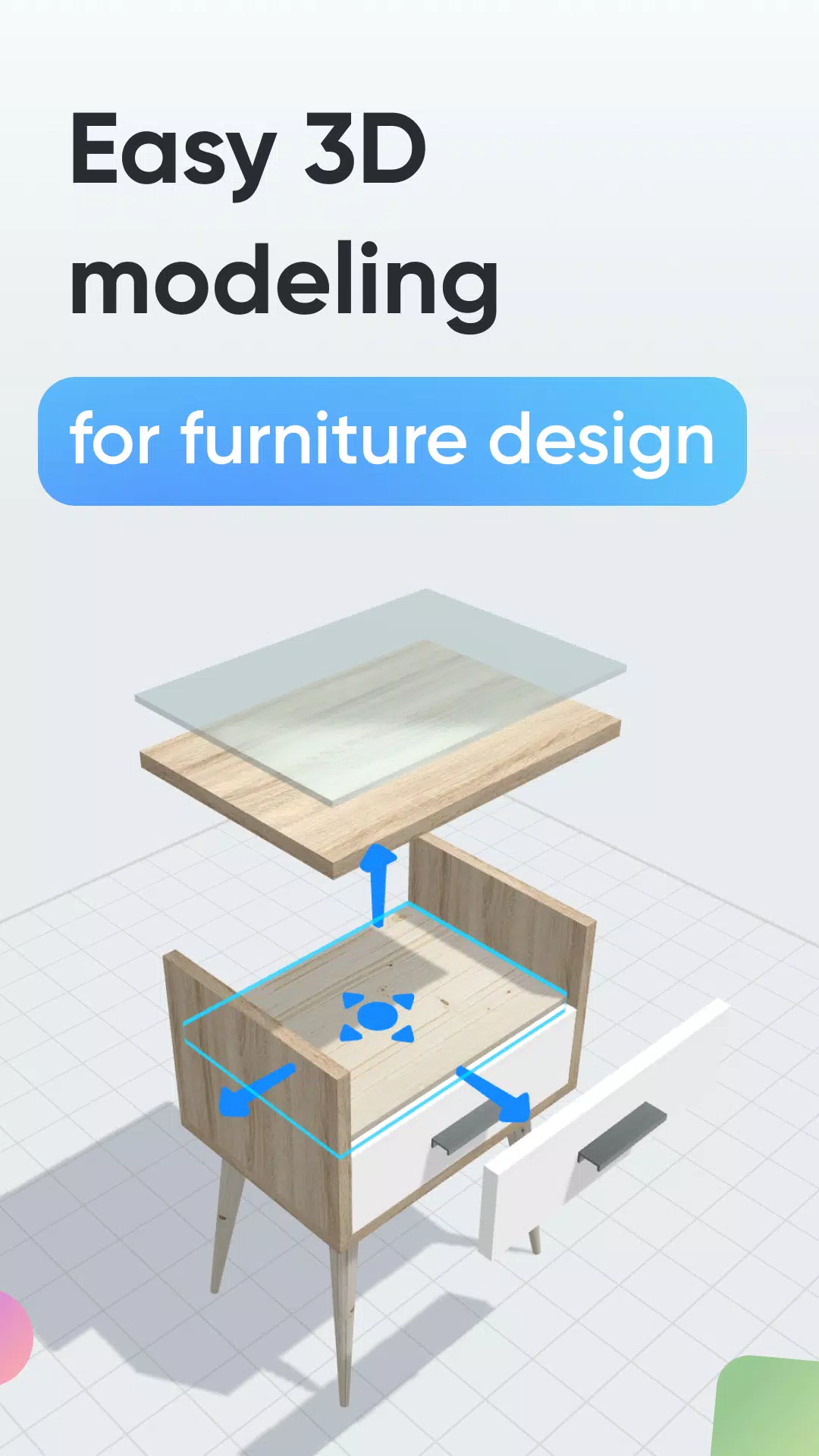
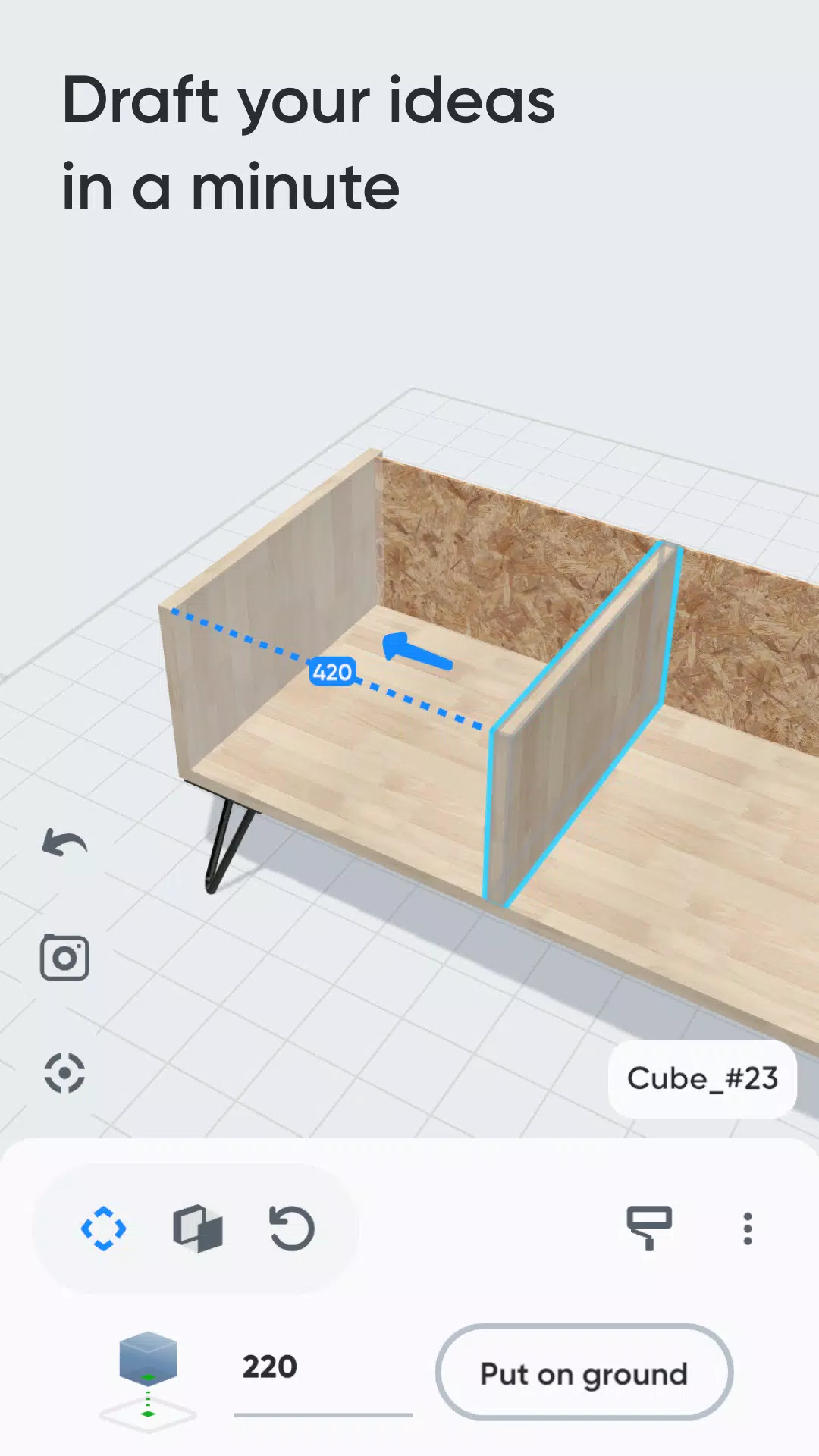
1 - 3D Modeling
Assemble your future furniture in 3D with an intuitive interface and ready-made parts like primitive shapes, feet, and handles.
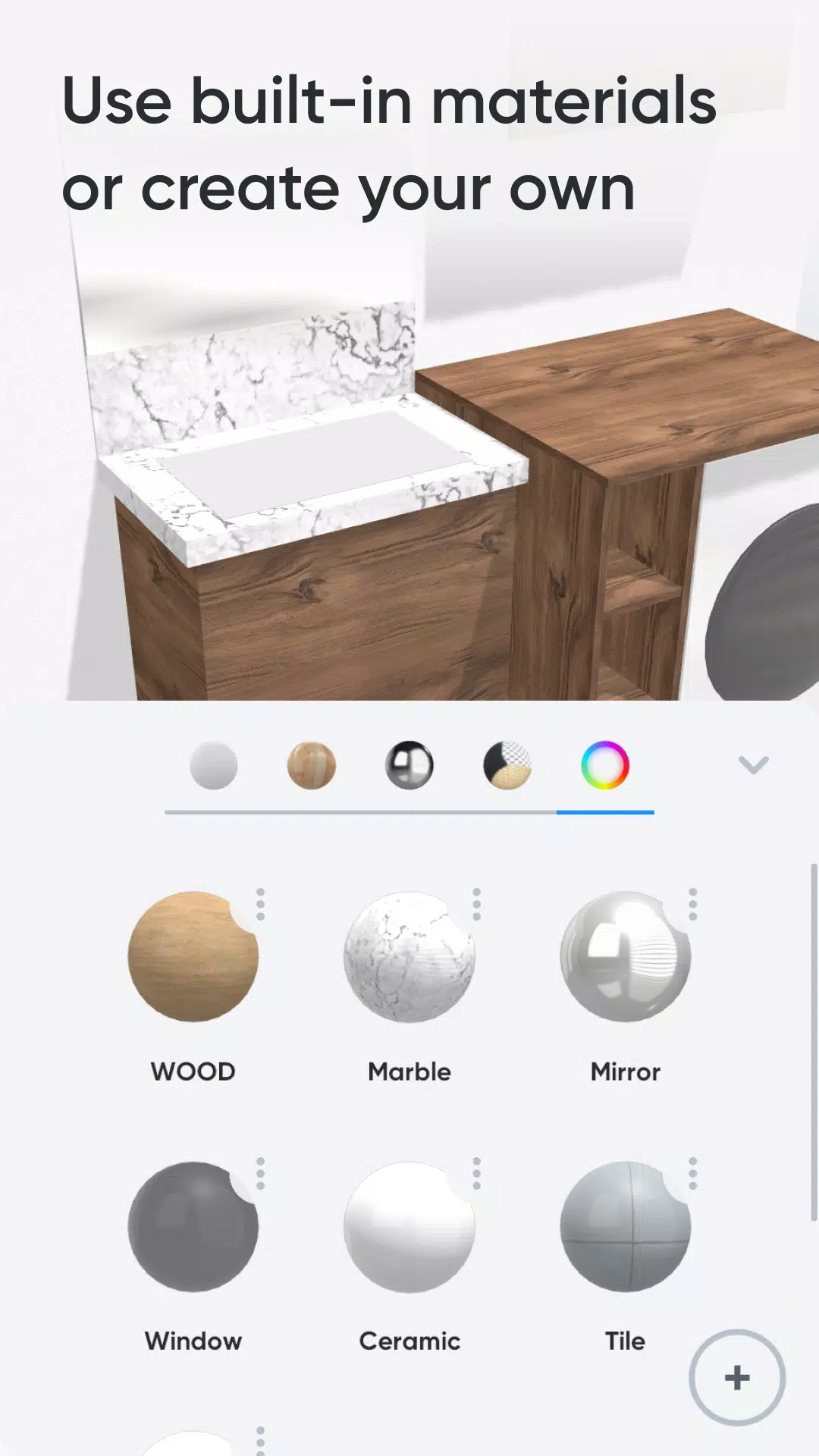
2 - Customize Colors & Materials
Select materials from our library (paint, wood, metal, glass) for your 3D furniture, or design your own using a simple editor.
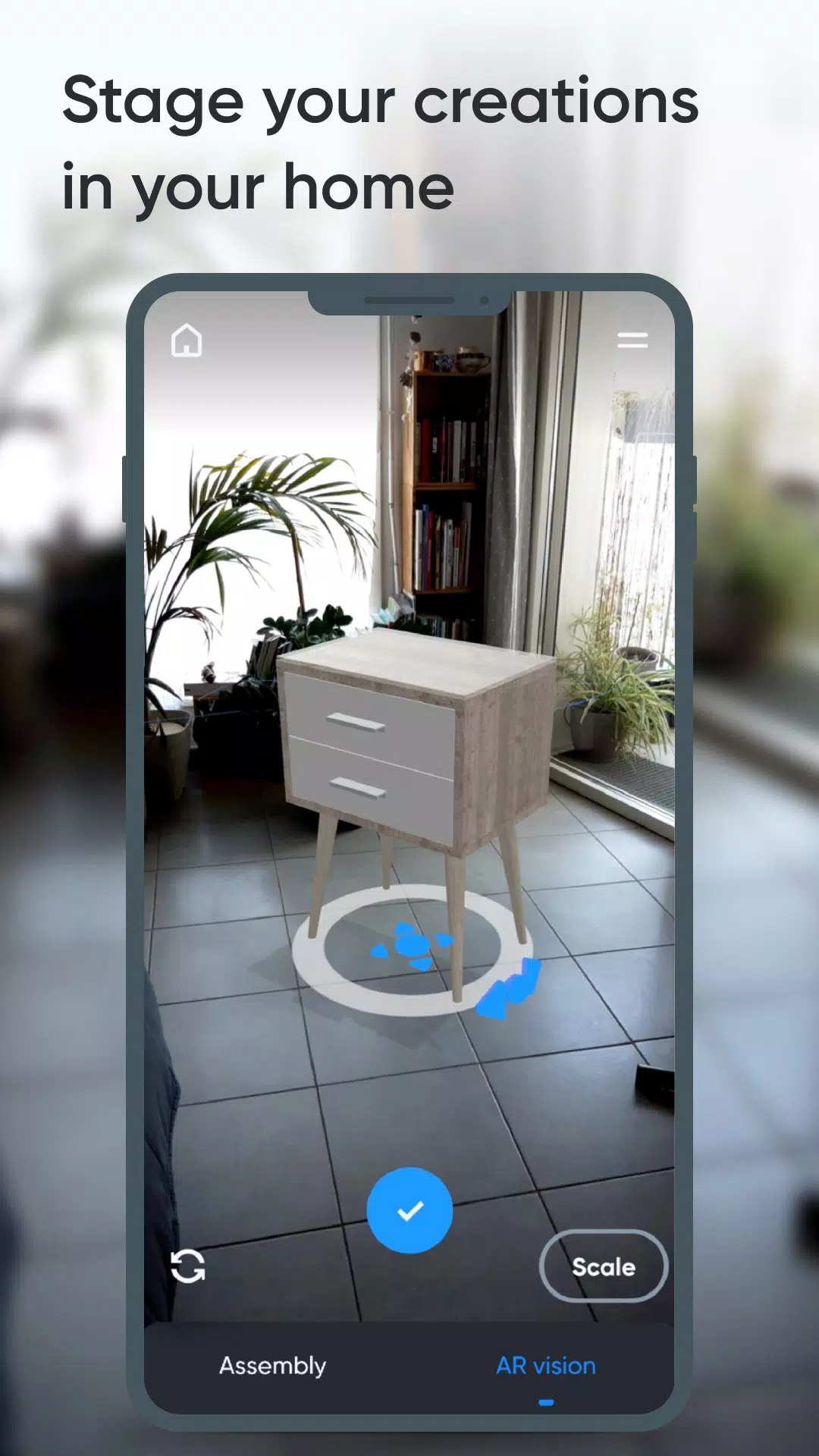
3 - Augmented Reality
Use your phone's camera to place your 3D furniture at home in AR and fine-tune your design.
Key Features:
- 3D assembly (move, deform, rotate)
- Duplicate, hide, or lock elements
- Materials library (paint, wood, metal, glass, etc.)
- Custom material editor (color, texture, shine, reflection, opacity)
- Augmented reality viewing
- Parts list
- Part-specific notes
- Photo capture
Premium Features:
- Work on multiple projects at once
- Unlimited parts per project
- Access to all part shapes
- Access to all library materials
- Export parts list as .csv (opens in Excel or Google Sheets)
- Share creations with other Moblo users
24.11.2
85.8 MB
Android 5.1+
fr.moblo