
一般的なマーベルライバルのエラーコードを修正する方法
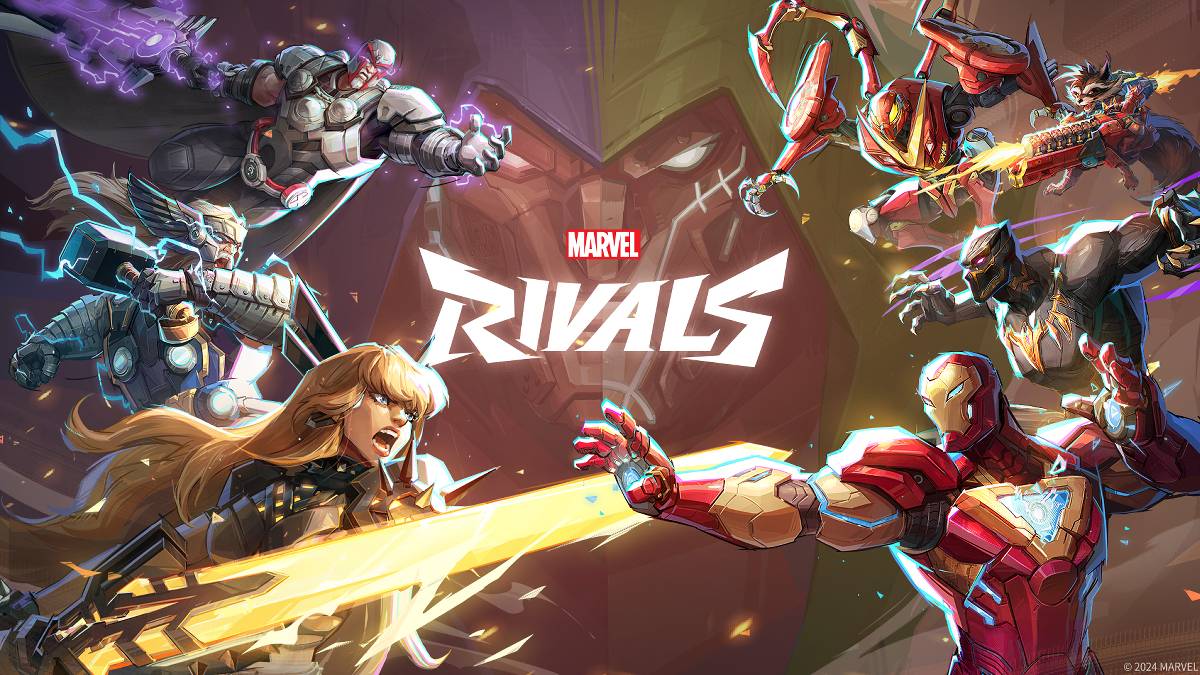
トラブルシューティングコモン マーベルライバル エラーコード:包括的なガイド
モダンなゲームには必然的にバグとエラーコードが含まれ、 マーベルライバル も例外ではありません。このガイドは、ゲームプレイを妨げる可能性のある一般的なエラーコードのソリューションを提供します。
一般的な マーベルライバル エラーとソリューション
次の表には、さまざまなエラーコード、それらの説明、および潜在的な修正について説明します。
| Error Code | Description | Solutions |
|---|---|---|
| Error 4 | Frequently appears on PlayStation, but can also occur on PC. | Check internet connection; Verify server status; Relaunch *Marvel Rivals*. |
| 99% Loading Bug | Players become stuck at 99% during match loading. | Check internet connection; Close background applications; Adjust Network Diagnostic Settings. |
| Error 211 | Commonly seen when launching via Steam, indicating connection problems. | Check server status; Disable third-party server blockers; Check internet connection; Verify game files. |
| Error 10 | Appears on launch, usually due to poor internet connection. | Check internet connection; Relaunch *Marvel Rivals*; Check server status. |
| Error 220 | May be caused by server location or firewall settings. | Modify security firewalls; Adjust DNS settings; Disable third-party server blockers; Use a VPN. |
| Error 21 | Sometimes encountered by Xbox players on launch. | Restart console; Reset router; Check server status; Disable IPv6 on internet connection; Use a VPN. |
| Error 5 | Afflicts PlayStation players; indicates high ping and packet loss. | Address high ping and packet loss (check internet connection, etc.). |
| Error 26 | Prevents gameplay. | Check internet connection; Disable VPN; Clear cache files; Verify game files. |
| Packet Loss Error | High ping and packet loss due to high latency spikes. | Check internet connection; Close background applications; Adjust Network Diagnostic Settings. |
| DX12 Not Supported | Game launch failure due to unsupported DX12; often related to Windows updates or incompatible GPU. | Update Windows; Update GPU driver; Reinstall *Marvel Rivals*. |
| Error Code 258 | PC launcher login failure; particularly affects Epic Games Store users. | Investigate Epic Games Store-specific solutions. |
| Error LS-0014 | Affects Epic Games Store users. | Check antivirus software; Verify game files; Reinstall the game. |
| Igniting the Timestream | Occurs during matchmaking. | Check server status; Restart the game; Check internet connection. |
| Version Mismatch | Appears after game updates. | Verify game files; Check for updates; Check internet connection. |
| Out of Video Memory | Prevents gameplay. | Check VRAM; Update GPU driver; Close background applications. |
| Blue Screen Error | A critical error, though relatively infrequent. | Clean install GPU driver; Lower graphics settings; Run Windows Memory Diagnostic Tool. |
- Marvel Rivals*は現在、PS5、PC、およびXboxシリーズXで利用できます。








-
1

2025年のライブスポーツ用のトップストリーミングプラットフォーム
Jun 18,2025
-
2
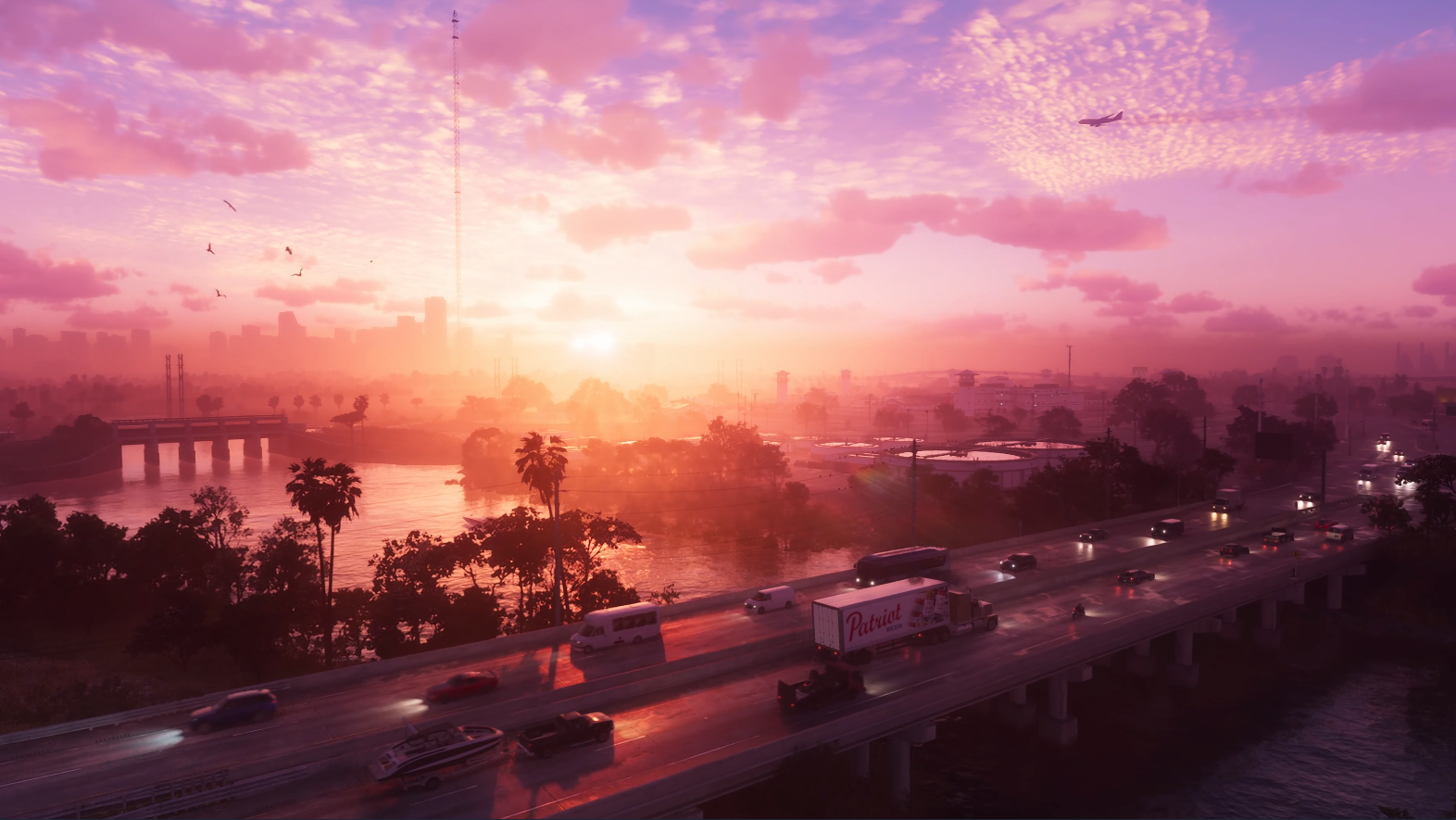
GTA 6は2025年秋のリリースに設定されている、とCEOは確認します
Apr 03,2025
-
3
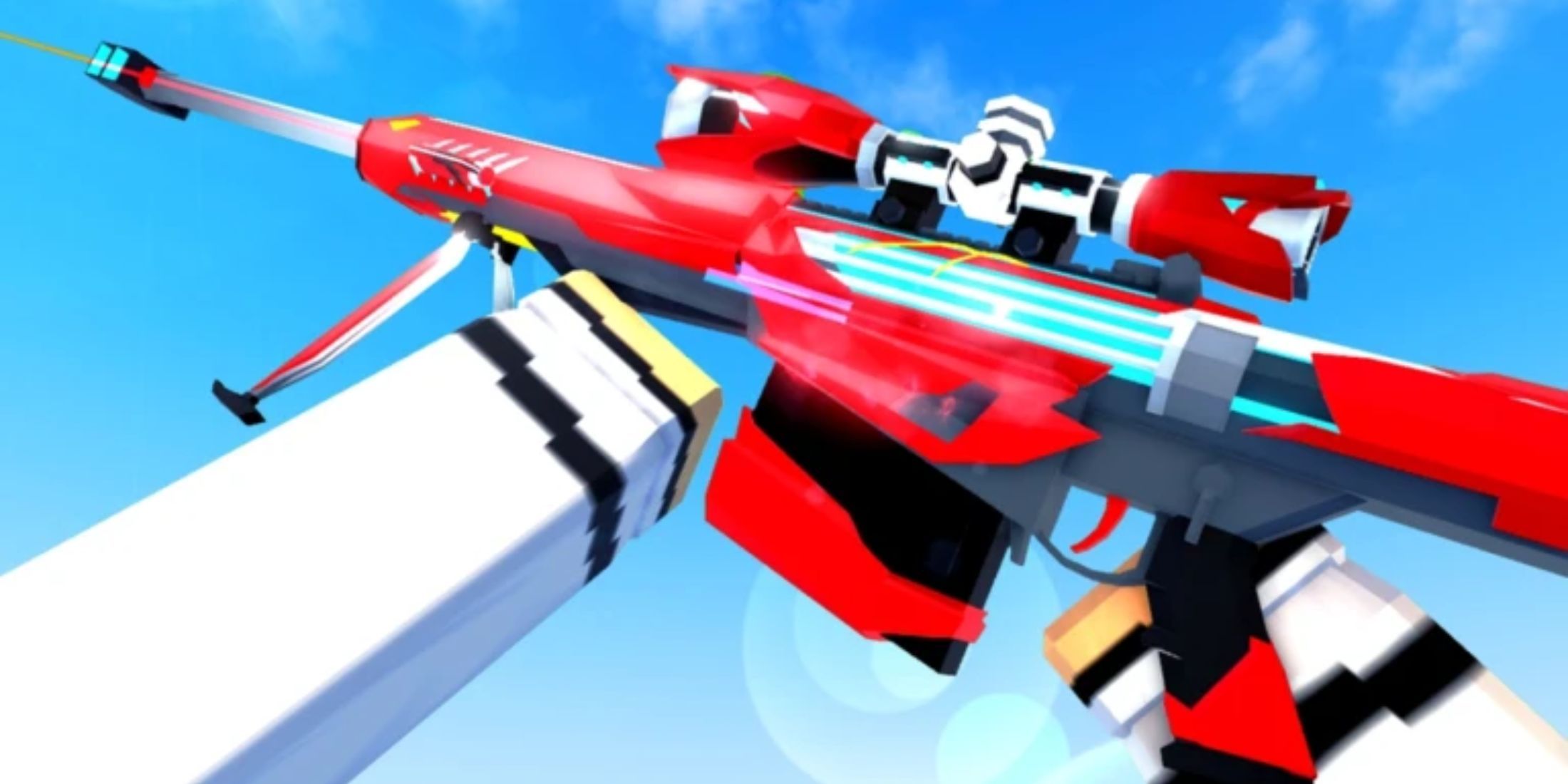
Roblox:Crossbloxコード(2025年1月)
Mar 04,2025
-
4

アジア初のALGSが日本に登場
Jan 19,2025
-
5
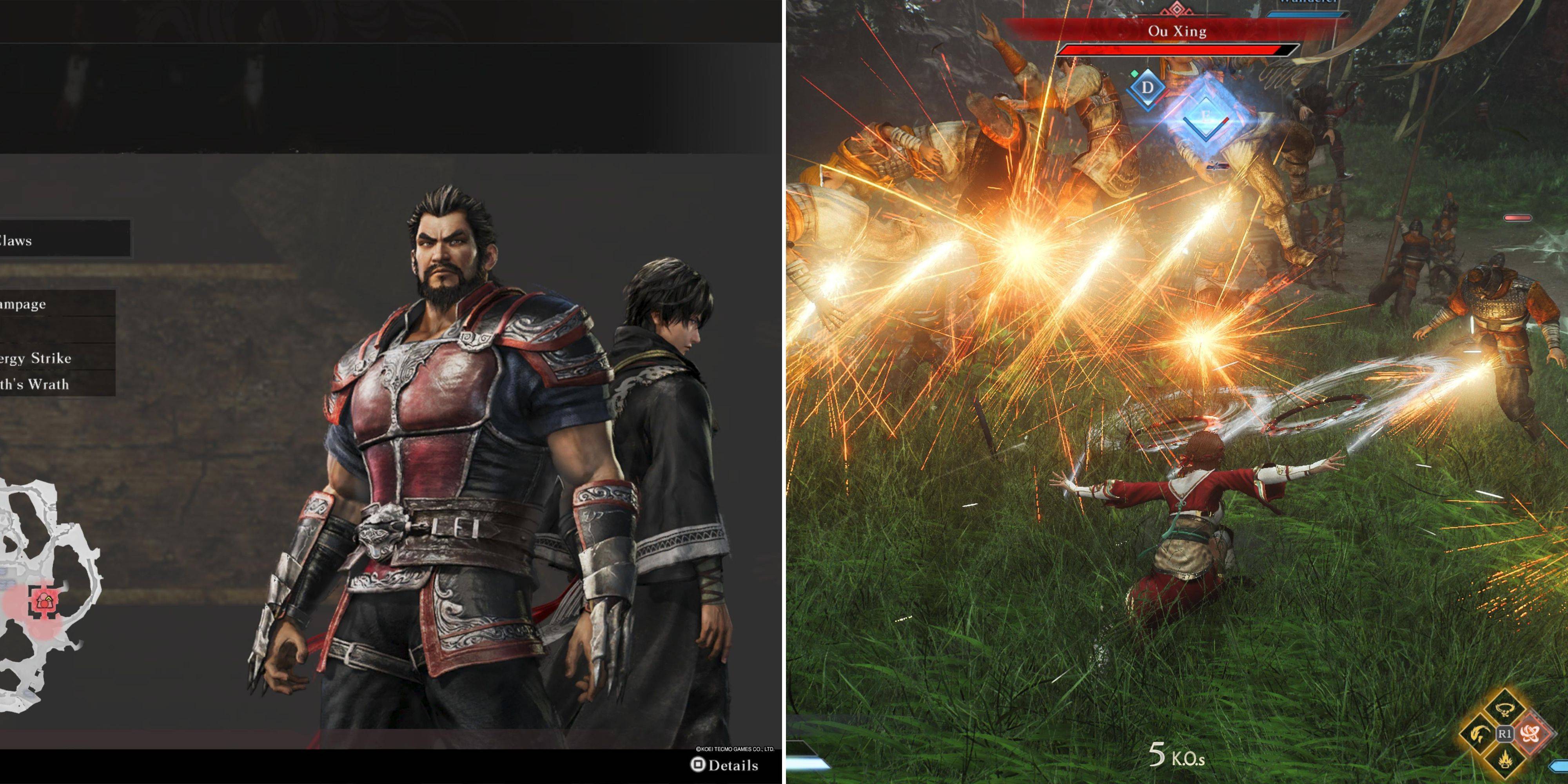
ダイナスティウォリアーズでのシームレスなキャラクタースワッピングの究極のガイドの紹介:起源
Feb 25,2025
-
6
](https://img.jdzca.com/uploads/18/17380116246797f3e8a8a39.jpg)
Robloxは、キャラクターティアリスト[更新](2025)
Mar 05,2025
-
7
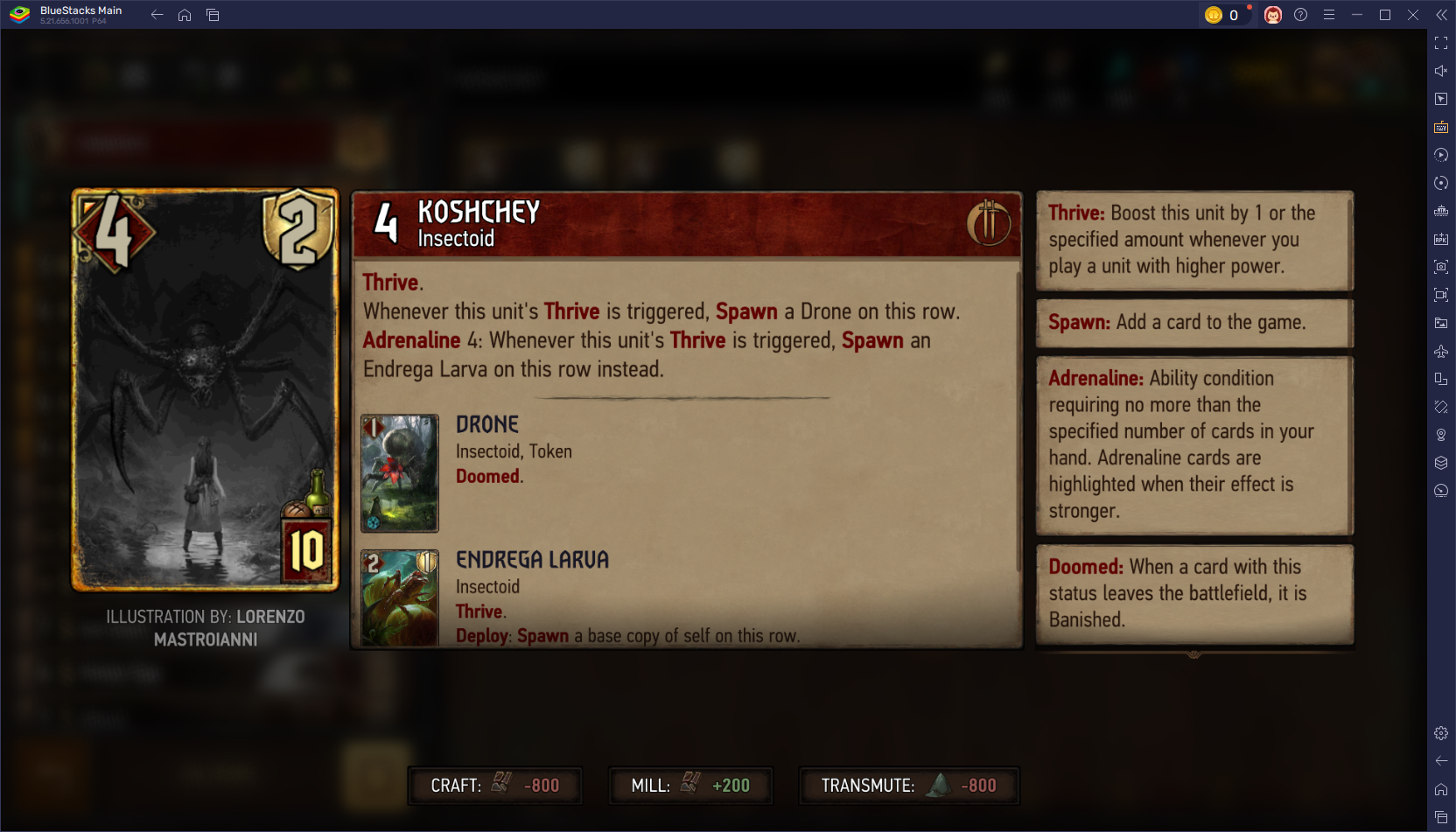
GWENT:トップ5ウィッチャーデッキ(2025年の更新)
Mar 13,2025
-
8
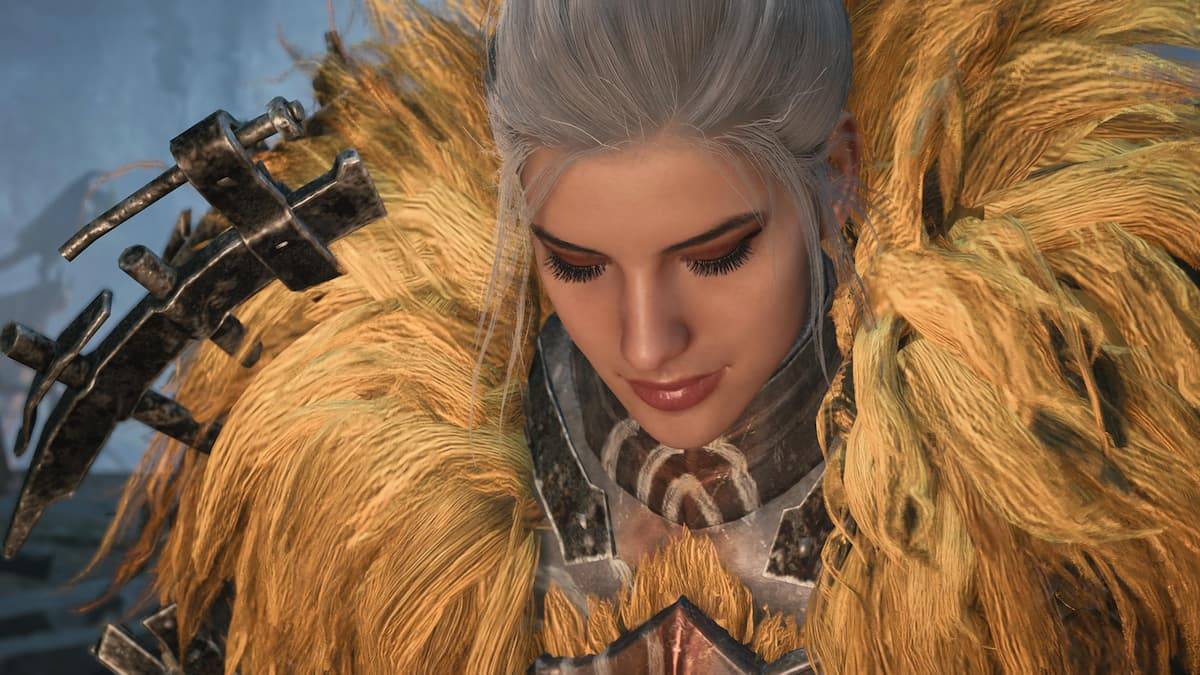
モンスターハンターワイルズのマックスハンターランク:増加するヒント
Apr 04,2025
-
9
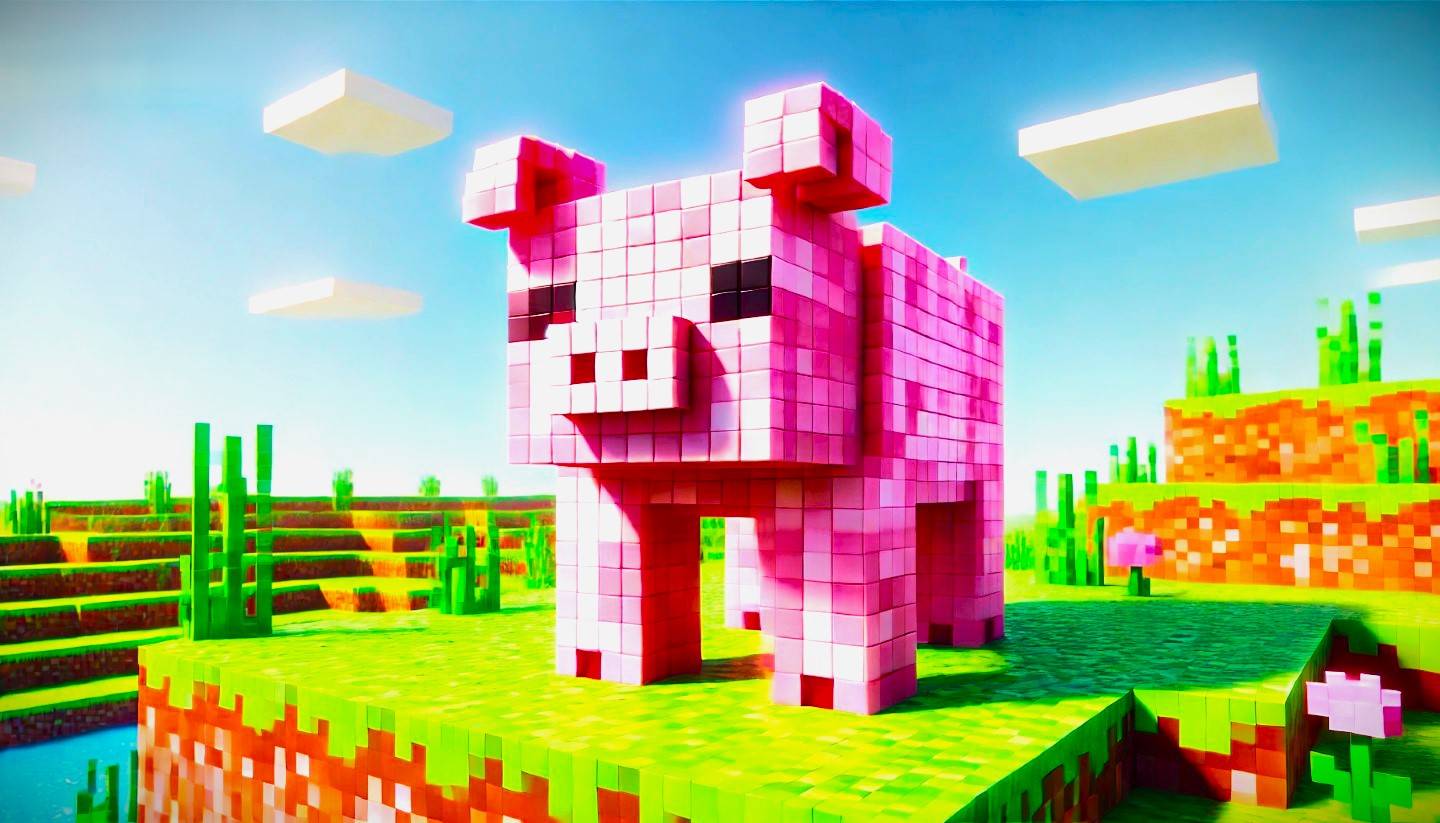
Minecraftのかわいいモブ:ピンクの豚となぜそれらが必要なのか
Mar 06,2025
-
10
2025年2月2月にカプコンのスポットライトは、モンスターハンターワイルズ、オニムシャなどを紹介します
Apr 01,2025
-
ダウンロード

ポートレートスケッチ
写真 / 37.12M
アップデート: Dec 17,2024
-
ダウンロード

Friendship with Benefits
カジュアル / 150.32M
アップデート: Dec 13,2024
-
ダウンロード
F.I.L.F. 2
カジュアル / 352.80M
アップデート: Dec 20,2024
-
4
[NSFW 18+] Sissy Trainer
-
5
Pocket Touch Simulation! for
-
6
슬롯 마카오 카지노 - 정말 재미나는 리얼 슬롯머신
-
7
Chubby Story [v1.4.2] (Localizations)
-
8
Life with a College Girl
-
9
Shuffles by Pinterest
-
10
Hunter Akuna