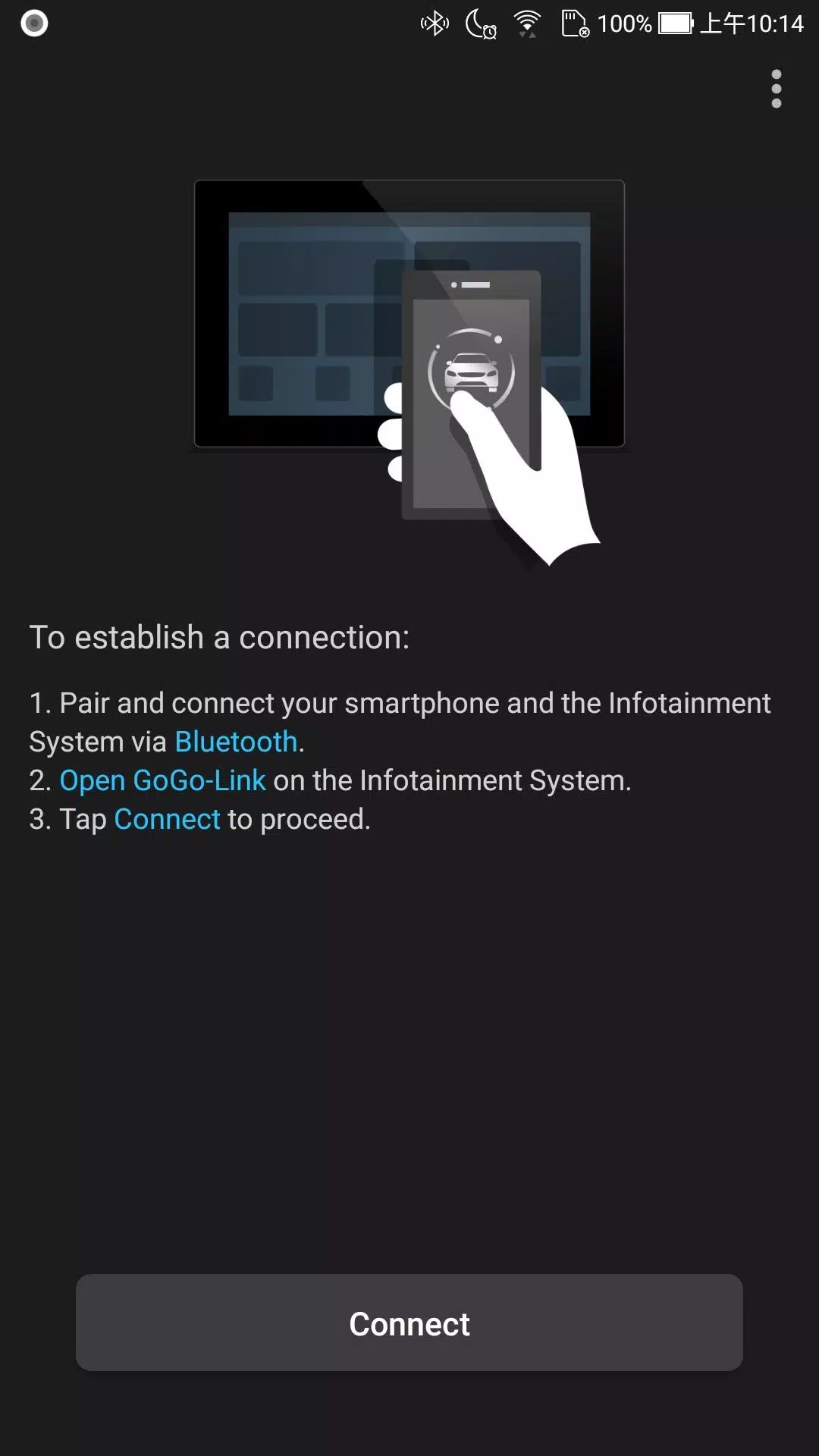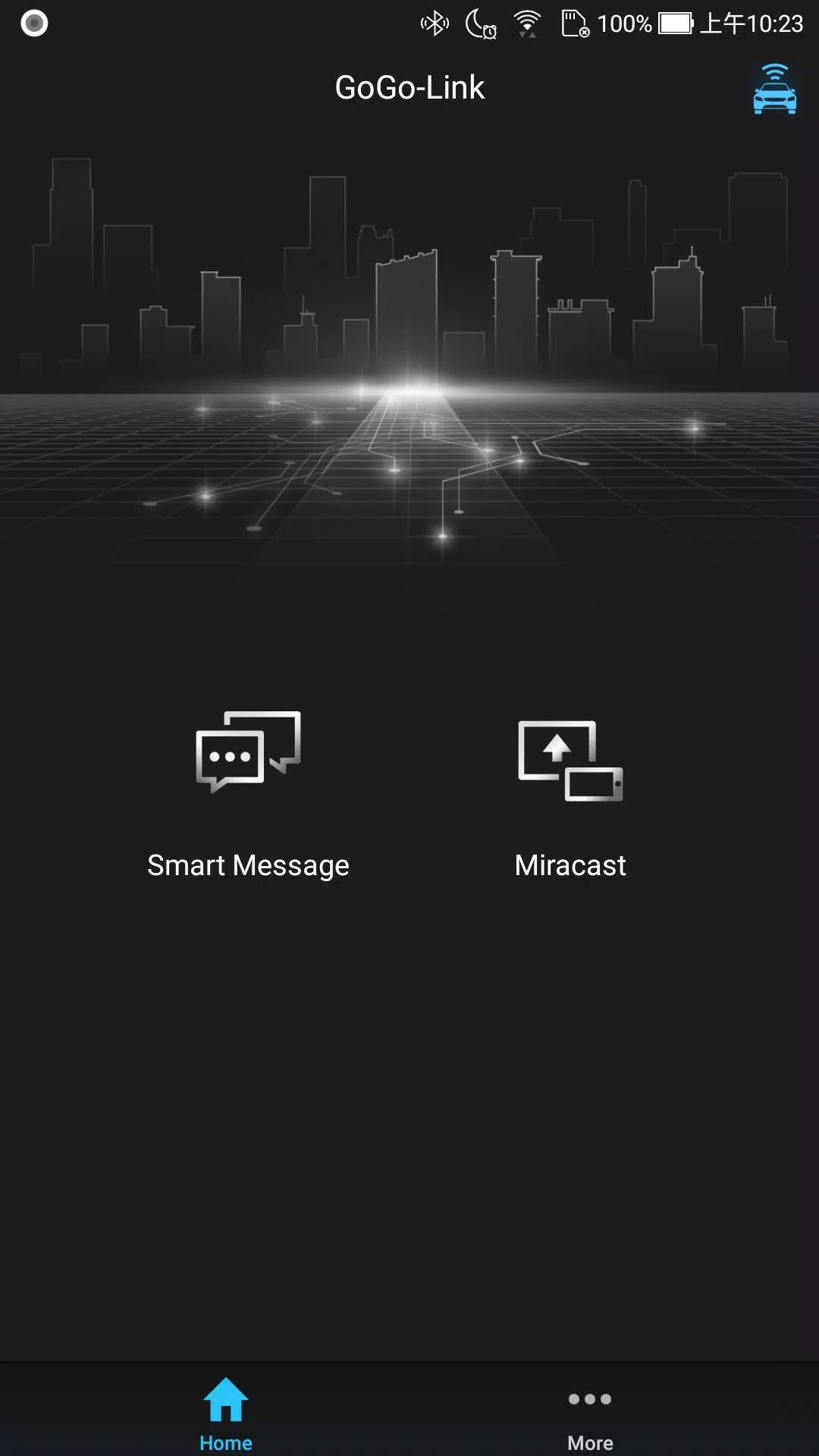
GoGo-Link enhances the capabilities of compatible Infotainment System models, unlocking new ways to interact with your vehicle and simplifying your driving experience.
Key Features
Enjoy seamless integration with your smartphone to control the Infotainment System remotely, share destinations, navigate smoothly between your phone and vehicle, and mirror your Android screen directly to the car display. Please note: feature availability may vary by region and Infotainment System model.
Remote Control Functionality
Use intuitive touch and swipe gestures on your smartphone to control the vehicle’s Infotainment System. Type addresses and search terms using your phone’s keyboard for faster, more accurate input.
Screen Mirroring (Miracast)
Wirelessly project your Android device’s screen onto the vehicle’s display via Wi-Fi connection*.
*Compatibility varies across Android devices and operating system versions.
Destination Sharing
Quickly send locations from your smartphone to the vehicle’s navigation system and start routing with just a tap.
Last-Mile Navigation
Get turn-by-turn guidance from your parking spot to your final destination—and back—ensuring a smooth end-to-end journey.
Smart Notification Display
Stay informed on the go. View incoming message alerts from your smartphone directly on the Infotainment System’s display.
Comprehensive Controls
With GoGo-Link, you can:
- Remotely operate the Infotainment System using your smartphone
- Control media playback (play, pause, skip, adjust volume)
- Switch between app screens and home menus
- Enter text using your phone’s keyboard for ease and accuracy
- Share locations instantly between devices
- Access full navigation assistance, including route planning and real-time updates
- Monitor and view smartphone notifications in a driver-friendly format
System Requirements
For optimal performance, GoGo-Link requires a stable Bluetooth Low Energy (BLE) connection between your smartphone and the vehicle’s Infotainment System.