

Operate your Hyundai vehicle directly from your compatible Android phone or tablet.
Meet the Hyundai Digital Key. This app lets you access and command your equipped Hyundai right from your smartphone. You can also generate, share, and manage digital keys, allowing friends or family to use your vehicle. Here’s what you can do:
Lock, unlock, and start your Hyundai (requires NFC)
Just tap your phone on the door handle to lock or unlock your car. To start the engine, place your smartphone on the wireless charging pad inside.
Control your vehicle remotely via Bluetooth
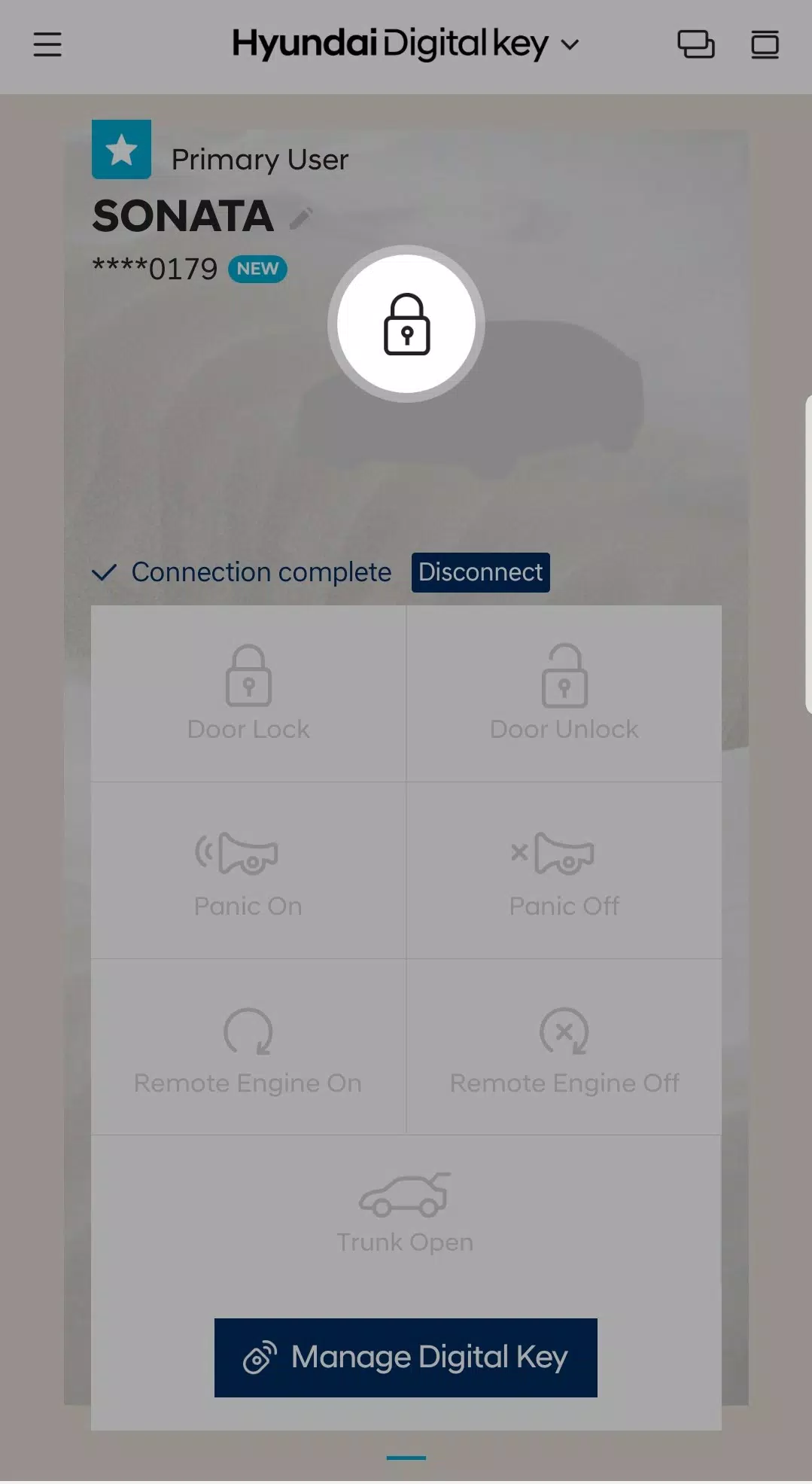
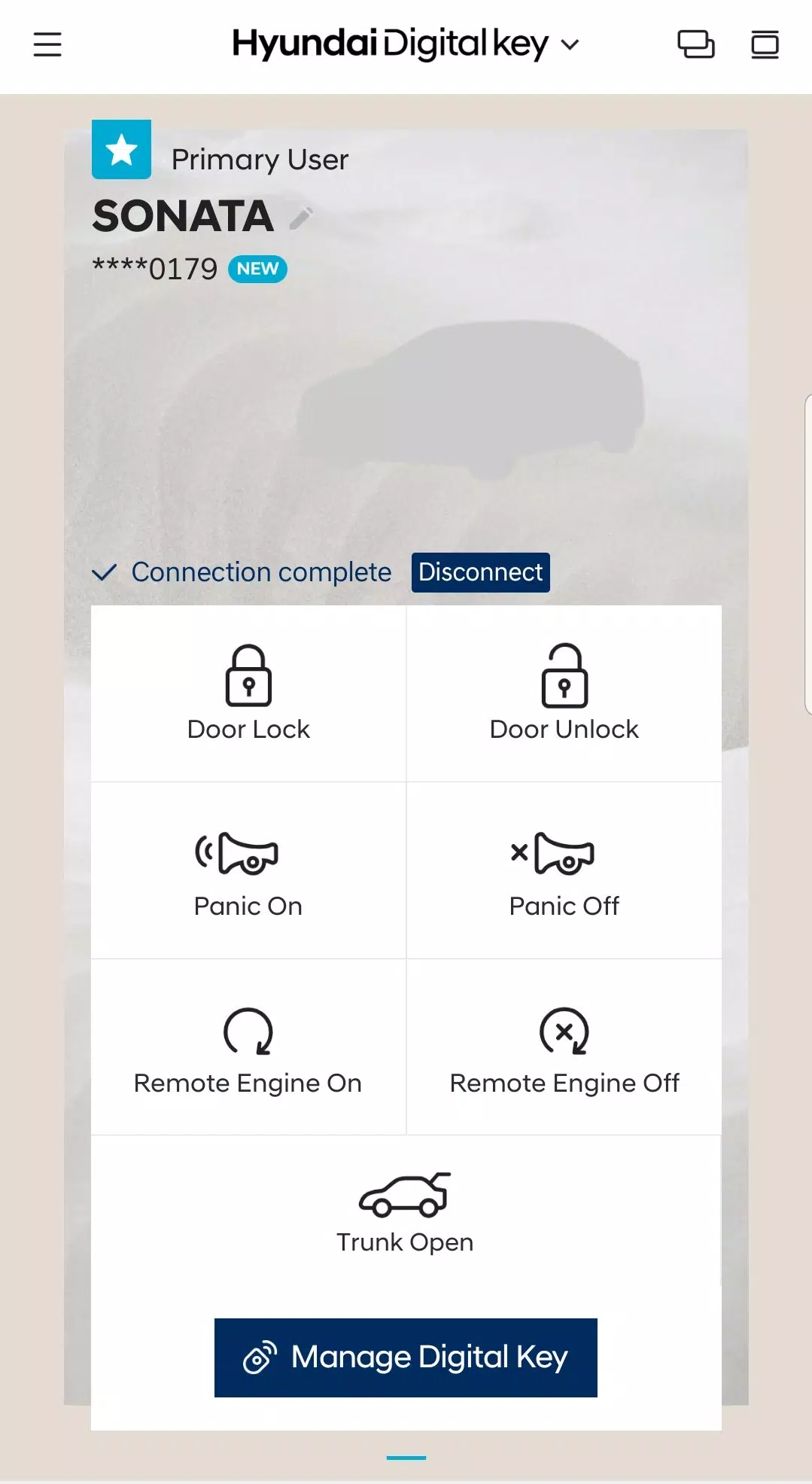
Hyundai Digital Key enables long-range remote control using Bluetooth. Use the app to remotely start or stop your engine, lock/unlock doors, activate/deactivate panic mode, and open the trunk.
Share and manage digital keys
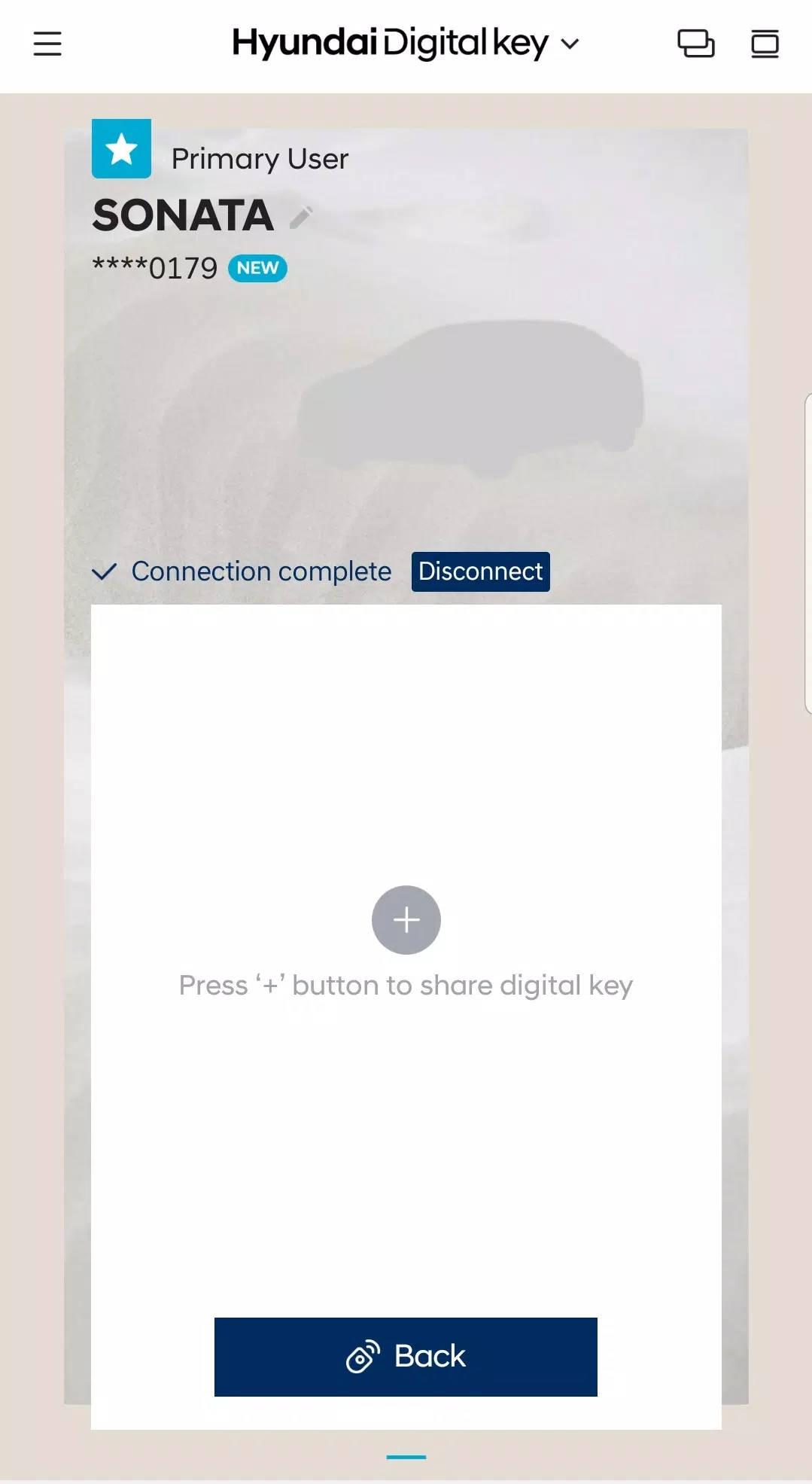
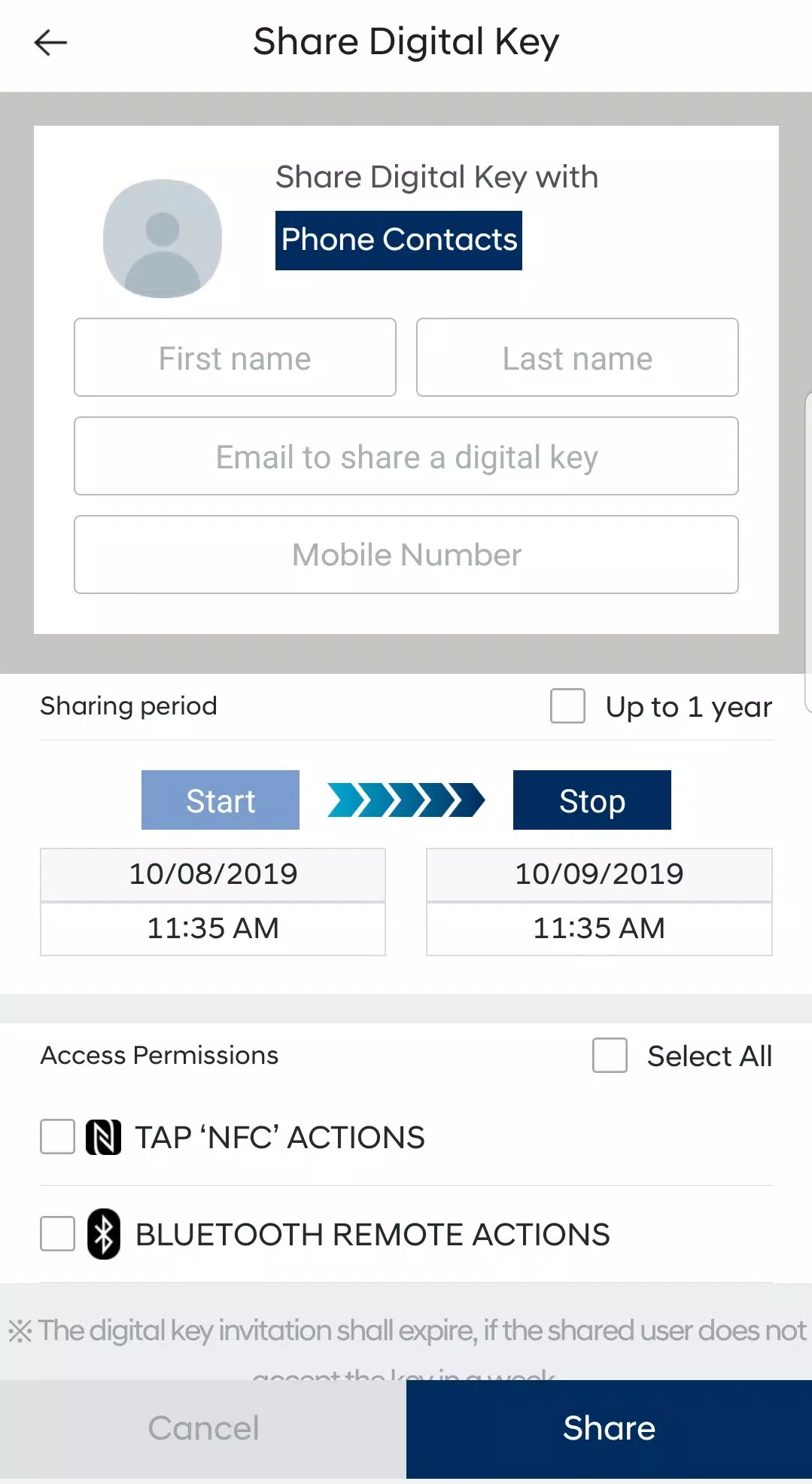
Grant temporary access to your vehicle by creating and sending a digital key invitation. After they accept, the recipient can use the Hyundai Digital Key app within the permissions and timeframe you set. You can also suspend your own keys or revoke shared access via the app or MyHyundai.com.
What's New in the Latest Version 1.0.28.1
Last updated on Jul 27, 2024
Includes minor bug fixes and performance enhancements. Install or update to the latest version to experience the improvements.
1.0.28.1
54.9 MB
Android 7.0+
com.hyundaiusa.hyundai.digitalcarkey