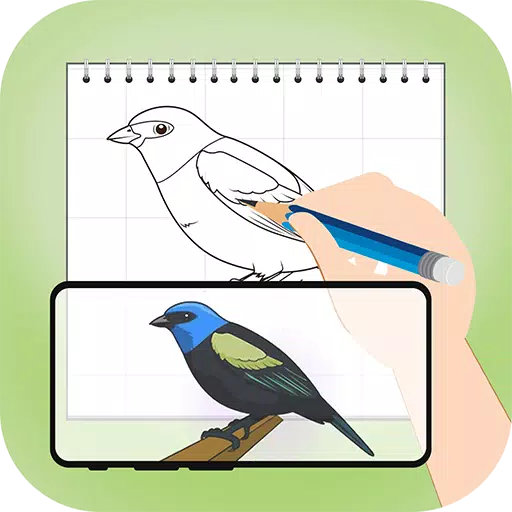
Effortlessly trace any image onto paper with AR Draw Sketch Trace & Sketch using augmented reality.
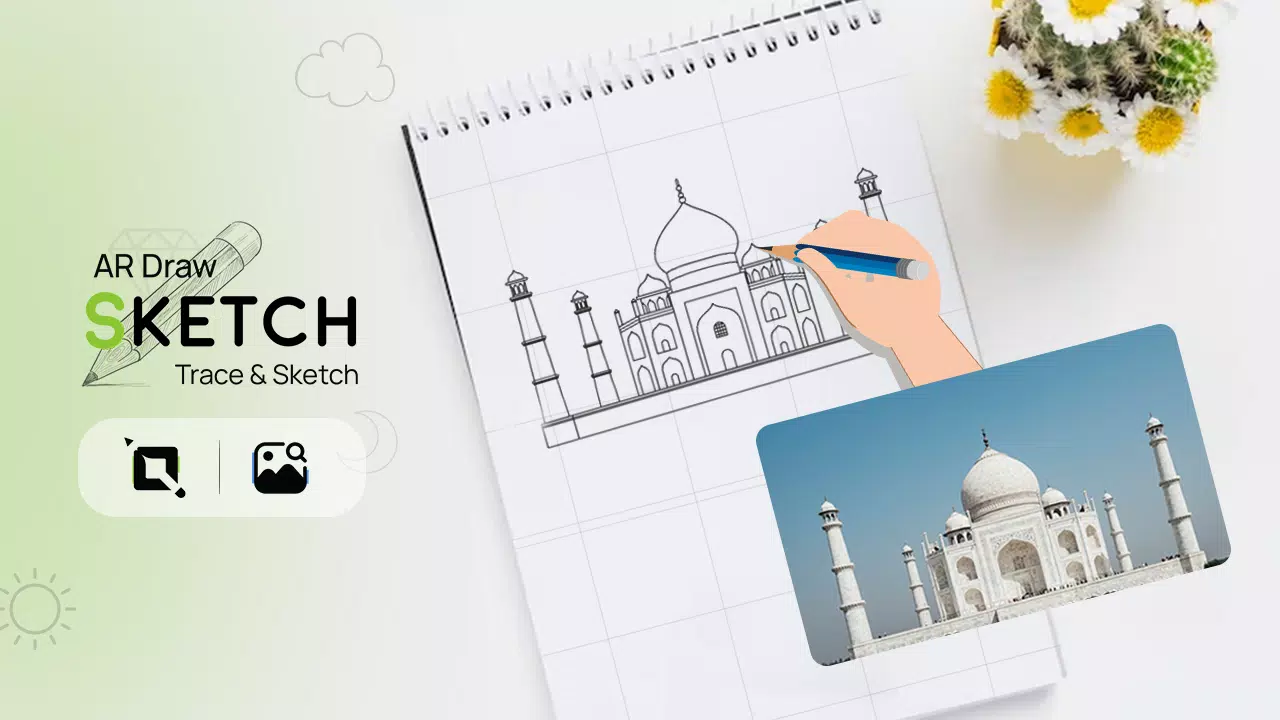
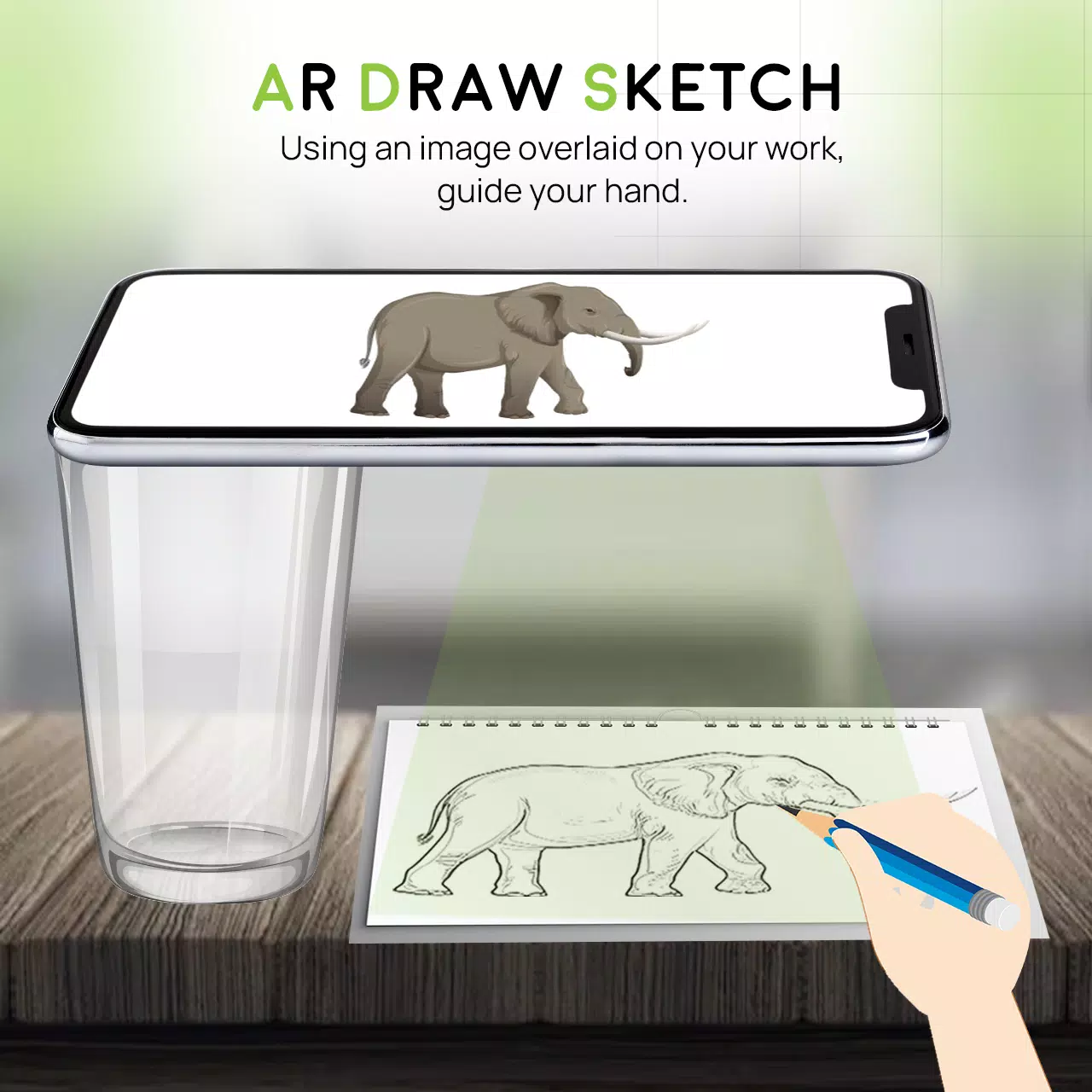
Unleash your creativity with the AR Draw Sketch Trace & Sketch app. This tool helps you transform any photo into beautiful sketch art with ease. Simply follow the lines of your chosen image, and the app will help you create a hand-drawn masterpiece. Use the AR Draw Sketch Trace & Sketch app to study and improve your drawing skills. Tracing becomes intuitive—just pick an image from the app or your gallery, apply a filter, and your camera will display it. Hold your phone above your paper and start drawing while watching the screen.
Why do we trace?
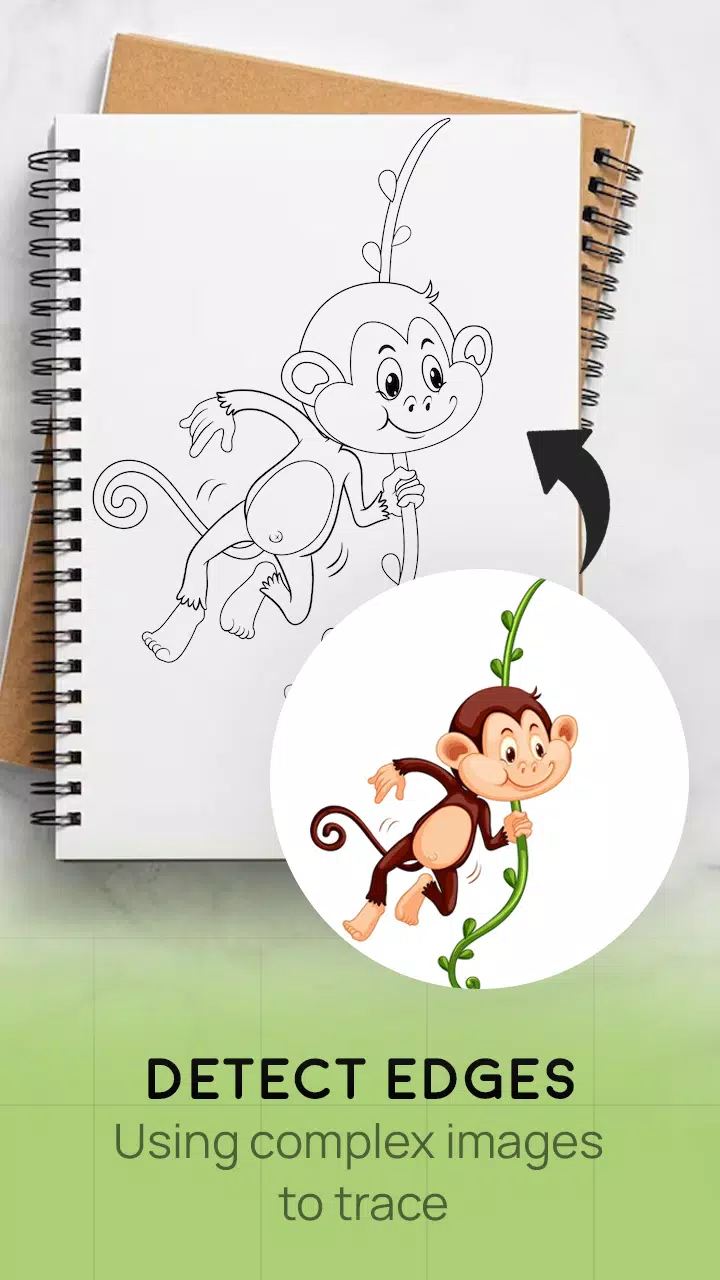
- Tracing turns photos or artwork into clear line drawings. You place tracing paper over the image and follow the visible lines. It’s an easy way to sketch and trace.
- This app helps you learn to draw through tracing.
How does it work?
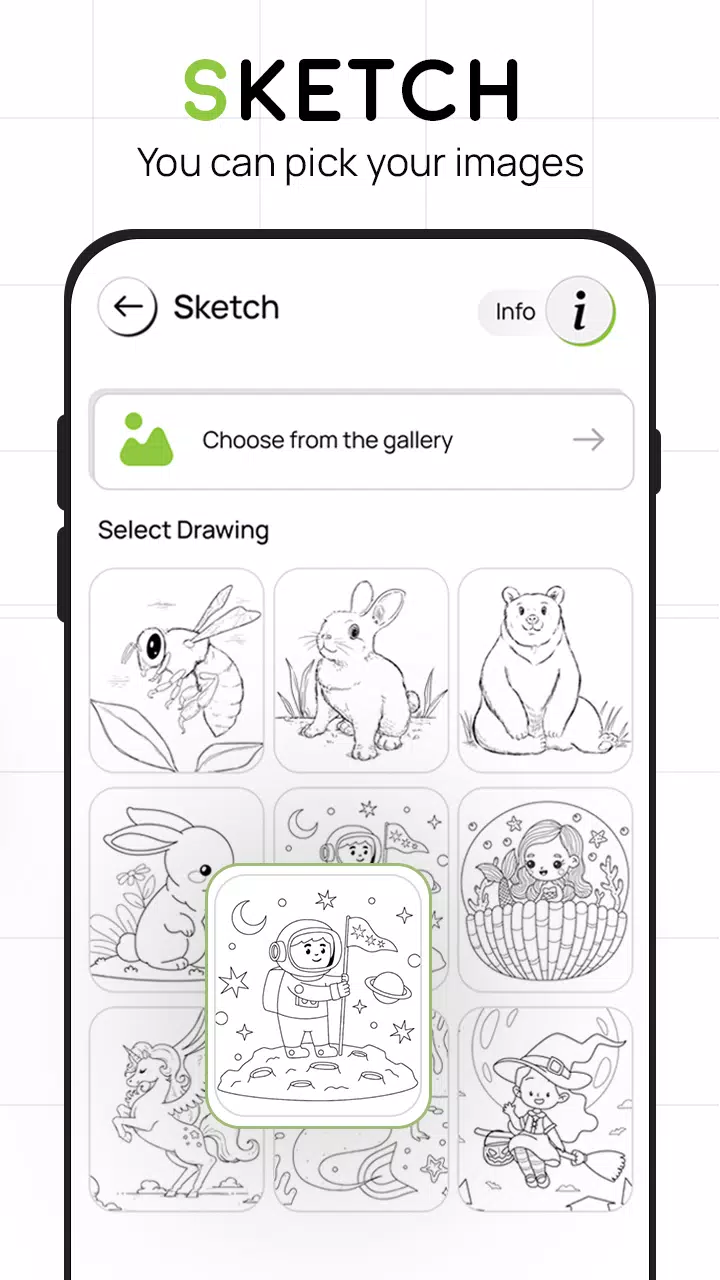
- Choose an image from the app gallery or capture one with your camera
- A transparent version of the image appears on your screen. Place your drawing paper, sketchbook, or any surface where you want to trace
- Draw on paper while looking at the phone’s display
- Simply pick any image to turn it into a traceable sketch
FEATURES
- Smart drawing tools to enhance your artwork effortlessly
- An easy way to sketch anything using this app
- Trace images using your camera or select from the built-in collection
- Draw on paper by watching your phone with a transparent image and live camera
- Pick sample images and sketch directly into your sketchbook
- Convert images from your gallery into traceable outlines and draw on blank paper
- Simple creation and art learning with this intuitive app
- Attractive and user-friendly interface design
What's New in the Latest Version 4.0
Last updated on Aug 24, 2023
Minor bug fixes and improvements. Install or update to the latest version to explore new features!
4.0
17.9 MB
Android 5.0+
com.vaijake.drawsketch